Locations / Branches
If your business works in more than one place, add each place as a location. Each location can have its own schedule. A business with one place does not need to add any.
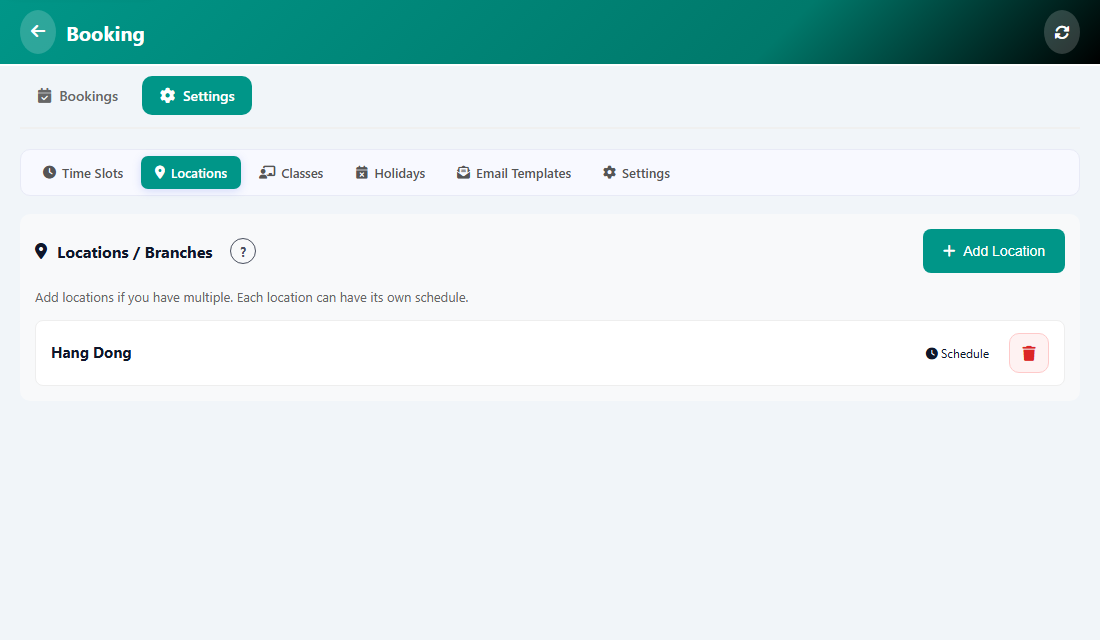
Add a location
- Open Manage, then Booking, then Settings, then Locations.
- Tap Add Location.
- Type the location name (required). The address and phone are optional.
- Tap the save button.
What the buttons on a location do
- Schedule opens the Time Slots of that location so you can set its own days and hours.
- The red bin icon removes the location.
Tip: Customers who book on the public page can pick the location first when the booking widget mode is Classic.
Was this article helpful?