Income Records
Income Records is the list of every payment you received. Open it from Manage, then Finance, then Income.
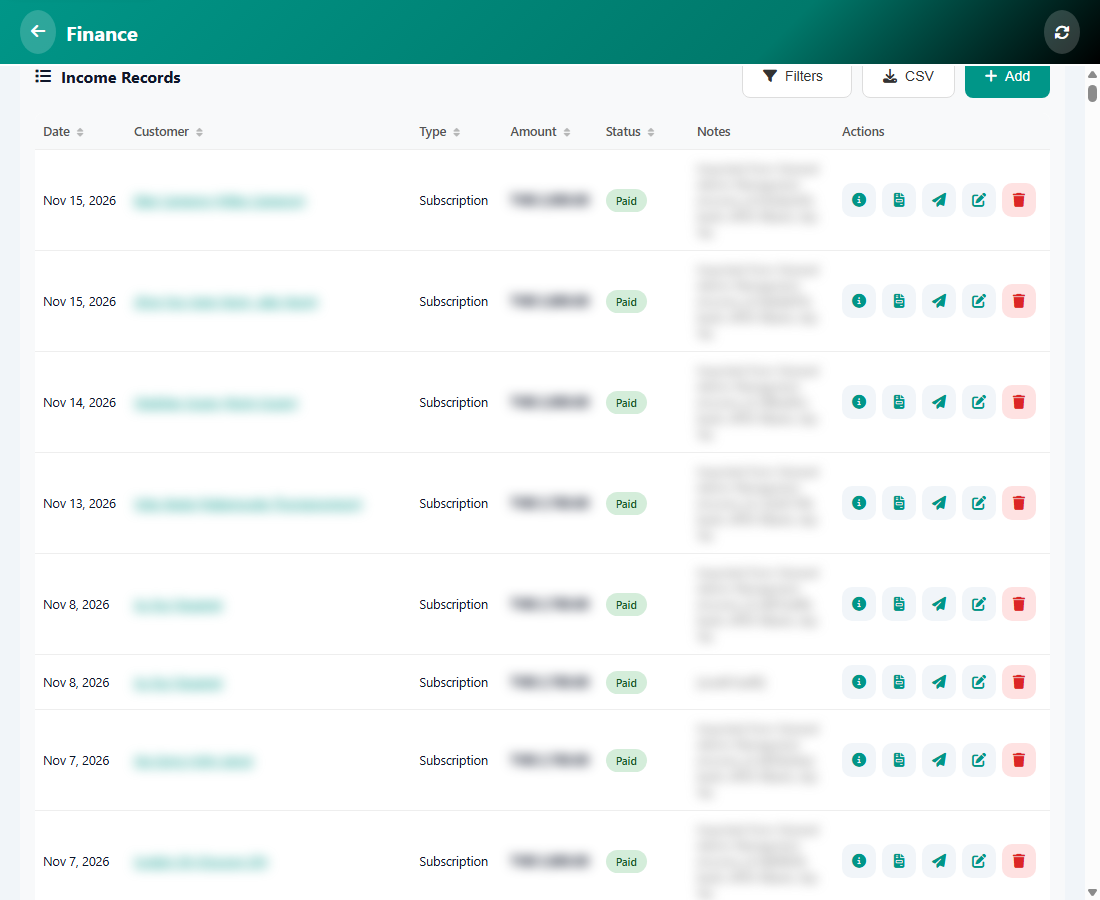
The columns
- Date, Customer, Type (for example Subscription), Amount, Status (for example Paid) and Notes.
- Tap a column title to sort the list.
The buttons
- Filters narrows the list by date, customer or status.
- CSV downloads the list for a spreadsheet.
- Add records a new payment.
- The small icons on each row open the details, the invoice or receipt, send it to the customer, edit it, or delete it.
Tip: Delete only when you made a mistake. To give money back, use Refunds instead, so your reports stay correct.
Was this article helpful?